Posted By Admin. Apr 02 2026
According to a report shared by a reputable source, nearly 5.7 billion people use social media around the world, which is approximately 70% of the global population. They do not use it just for communication, but also as a source to chat and have fun with their family members and friends.
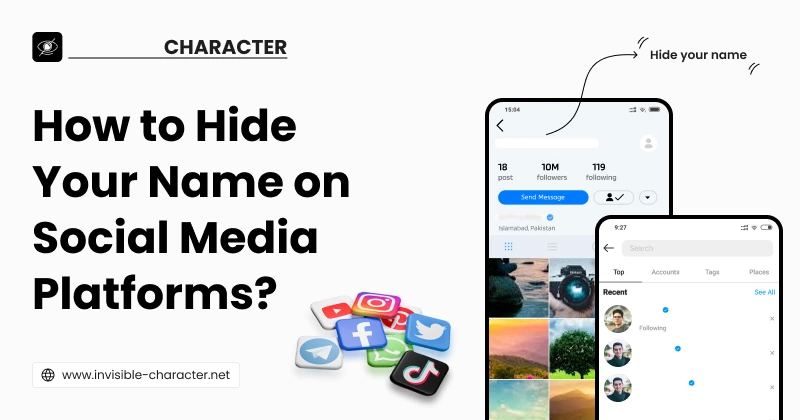
Social media users employ different techniques to set themselves apart from other users. One of the unique tricks that has become popular is the use of invisible profile names on social media, which people mostly use to stay anonymous or to look mysterious.
You’ve probably come across social media profiles with blank names and wondered how to create one for your own profile.
However, people who don’t know the right trick can’t do so, as most social media platforms require users to enter characters in the name field and don’t allow it to be left empty.
In this guide, we'll explain the step-by-step procedure for hiding your name on social media platforms.
A hidden display name on social media appears blank to the human eye but is still recognized as valid input by the algorithms of social media platforms. It’s actually the invisible spaces that make it look blank to users. Social media platforms count these invisible spaces as valid characters. Anyone can use such blank characters to hide their profile name on social media sites. Now, let’s find out how to do it.
The following are the steps that you need to perform to hide your profile name on social media platforms.
First of all, you need to copy a blank space. Just open the invisible character tool on your device. This tool offers two methods for copying invisible spaces. Below, both methods are discussed.
This method provides you with three buttons named Copy Small, Copy Medium, and Copy Large. You can copy invisible space by clicking any of these buttons, depending on your needs, as shown in the picture below.

By using this method, you can copy multiple blank spaces at once. Use the “+” and “-” buttons or simply type the desired number of blank characters you want to create and then click the “Copy” button. The output will be copied to your clipboard. The following image demonstrates this method:

This step involves opening your social media profile and pasting the copied blank spaces into the required profile name field. Here, we will explain the process for two popular social media platforms (Instagram and Snapchat). This is just to let you know how it’s done.
As you have already copied invisible text using the invisible character tool, it is now time to move to the Instagram app.
Open the Instagram app on your phone.
You can also open Instagram on your web browser by clicking this link: https://www.instagram.com/.
Now click the profile icon located in the bottom-right corner, as you can see in the image below.

After going to your profile, you can see the "Edit Profile" option; hit it.

Upon hitting the Edit Profile button, you can see a new interface (as shown below) to edit your name. Now, remove your Profile Name and paste the copied invisible characters into the required field.

That's all. As you can see in the picture below, your profile name is invisible, and you can't see it.

You can see an example of an invisible profile by clicking this link:
https://www.instagram.com/rafeee485?igsh=MTUxZDJnaHRrN2Zyeg==
Just like hiding your name on Instagram, you can easily hide your Snapchat display name by following these simple steps:
Open the Snapchat app on your mobile.
In the top-left corner, you can see a profile icon. Tap on it.

Next, you can see the Gear Icon in the top-right corner of your profile screen; press it.

You can find your display name under the "My Account" section; tap on it.

Now, clear your name and put an invisible character there and hit the “Save” button.

Having an invisible name on social media is not just a random trend. Many people hide their names for specific purposes. Here are some main reasons for using blank names:
Setting Yourself Apart from Others - An invisible name gives your profile a unique and mysterious look. It’s a creative way to look different from everyone else.
Better Privacy - If you do not want people to easily find your account or see your personal details, using a blank name is a good way to ensure privacy and stay anonymous.
Sparking Curiosity - An invisible name can make people curious and encourage them to visit your social media profile, resulting in increased likes, comments, and followers.
Invisible-Character Used to Create Empty Text having Multiple Unicode Blank Spaces.