Posted By Admin. Apr 13 2026
Did you ever receive a notification that someone sent you a message, but when you opened the chat, it contained nothing but an empty space? However, when you try to send an empty message, the app doesn’t allow you to send it.
Thinking about how it works?
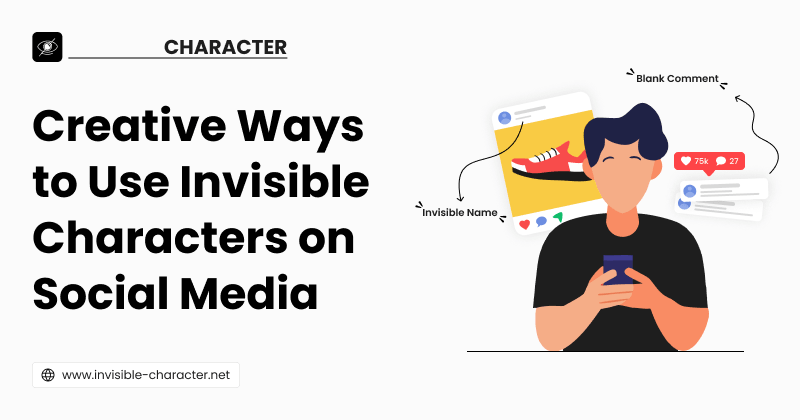
Well, you can do it using invisible characters. In this blog post, we will explain what invisible characters are and some of the creative ways to use them on social media.
Invisible characters are Unicode characters that appear as blank spaces to the human eye but are characterized as valid entities by computer systems. These are different from a regular space created by pressing the spacebar on the keyboard. There are several types of invisible characters. But the most widely used are:
Zero-width Space
Zero-width Non-Joiner
Non-break Space
Now that you have a basic idea of what invisible characters are, let’s get to the fun part: how you can actually start using them in your posts, bios, and messages.
Some apps or messaging platforms, like WhatsApp and Instagram, don’t allow you to send a blank message. If you simply press the spacebar and click send, it doesn’t work. But when you use an invisible character, you can send a message that looks completely empty to the recipients.
Simply copy the invisible character, open WhatsApp or Instagram, and paste it into the message box. Then press send as you normally would. Your friend will receive a message that appears completely blank, like this:

Have you ever seen a Facebook or Instagram profile with no visible name? It sounds a bit strange, maybe even impossible, but it can be done with the help of invisible characters. And the best part is, it’s easy to set up. Just remove your current name, then paste or enter an invisible character in the box. Since the platform treats it as valid input, it allows you to move ahead and save the changes. Here’s how an invisible Instagram profile looks:

You can share a "blank" post on Facebook using invisible characters. You just paste an invisible character in the text box, Facebook reads it as content, and lets the post go live.
The result looks like an empty post to everyone scrolling. It grabs attention because it looks like an error. People stop, stare, and react due to curiosity. You can see an example of an empty Facebook post below:

It is difficult to look different on social media. Creators are using the same fonts, the same emojis, and the same caption styles.
Invisible characters give you a simple way to break that pattern.
You can use them to add clean spacing between lines. It looks neat, intentional, and different from the average post. You can also use it to push the “See more” button. It will only show the hook line and hide the rest of the text. Here is an example of how it works:

On a popular post, comments pile up fast. Your comment gets buried under dozens of others, and nobody notices it.
Invisible characters fix this in a simple way.
You can add a few invisible characters before your comment text and a few after it. This creates visible blank space above and below your words. When someone scrolls through the comments, your comment looks separated from the rest. This small trick makes your comment visually different from everyone else's, as in the image.

The use of invisible characters on social media is a creative and fun trick. However, you should be careful while using them. Follow these tips to use them carefully.
Don’t overuse blank posts on social media. If you keep posting blank text daily, it can do the opposite and trigger the platforms to take action against you.
Ethical use of invisible characters is another important thing to remember. Using them for formatting or fun is completely fine. But never use them to bypass platform rules.
Always copy invisible characters from a trusted and secure site. Not every site offering invisible spaces is reliable. Some may give you broken or incompatible characters.
Always test characters before using them. That’s because different platforms handle them differently. What works on Facebook may not work the same way on Twitter or LinkedIn.
Everybody wants to be creative and unique on social media. Invisible characters are very useful for this purpose. You can use them to create blank posts and add spaces in captions, bios, or blank usernames.
However, it is important to know how to use them. If you use them everywhere, they will lose their effect, and people will simply ignore them. Also, if you use them unethically, they will get annoyed. So always use them in a creative way that helps you stand out on social media.
Invisible-Character Used to Create Empty Text having Multiple Unicode Blank Spaces.